

Four ways to send a real postcard from your phone
You do not need a pen, a stamp or a post office run to send a real postcard these days. Here are the main options and who each one is for. We make PostBox, so we are not neutral: use this to compare, then check the details for yourself.
By the PostBox team · Updated November 2026

1. A postcard app with your own photo
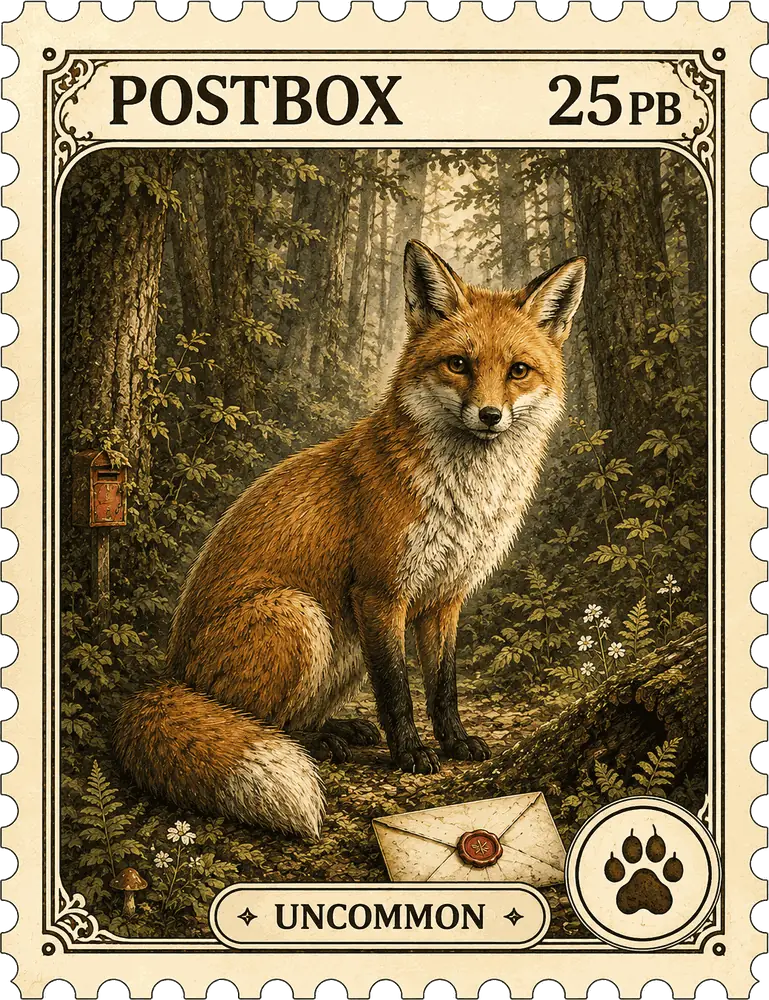
You pick a photo, write a message and the card is printed and posted for you. PostBox works this way: the same card can go digitally for free, or as a printed postcard to any address in the world. Other postcard apps such as Touchnote and MyPostcard work in a similar way, so compare their prices, delivery times and the countries they cover before you choose. Good for: travellers and anyone who wants their own picture on the front.
2. A free swap with strangers
Projects like Postcrossing let you send real postcards to random people and receive some back. It costs only the card and postage, and it is a great way to meet the world slowly. Good for: hobbyists who enjoy the surprise.
3. The classic: buy, write, stamp, post
Still lovely, but you need the card, the stamp and a mailbox. Good for: when you are already out and about and enjoy the ritual.
4. Ask someone to send it for you
A friend or relative who is near the recipient can post a card you wrote. Good for: last-minute surprises, but it needs another person.
How to choose
- Want your photo and no hassle: a postcard app.
- Want to meet new people: a swap.
- Want tradition: the classic way.
FAQ
What is the easiest way to send a real postcard?
A postcard app is the easiest: add a photo, write a message and the card is printed and posted for you, with no stamp or mailbox needed.
Is it free to send a postcard with PostBox?
Digital postcards are free. Printed postcards that are posted as real mail use credits: see the pricing page.


Ready to send a postcard?
Add a photo, write a few lines and send it. Digital postcards are free; printed ones are posted for you.